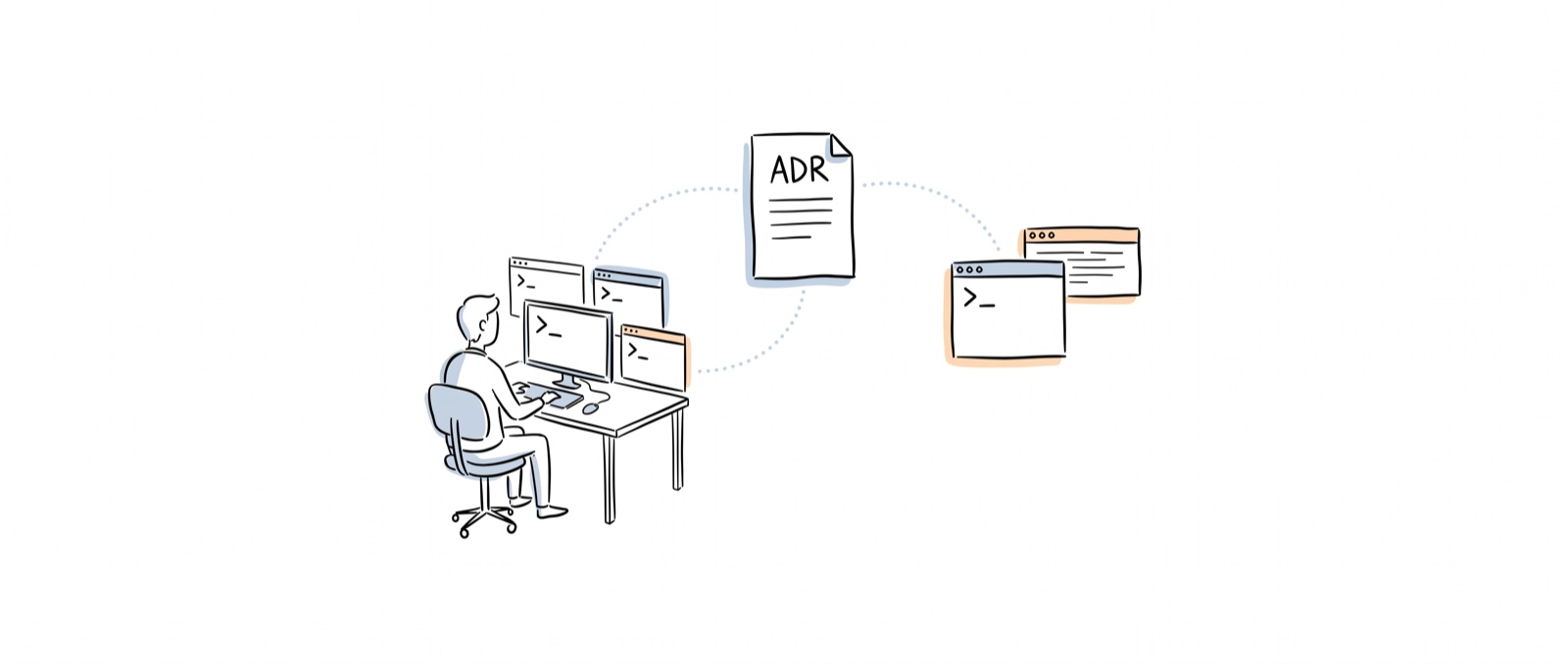
I’ve seen a lot of posts recently — in the Chinese-speaking world and the English-speaking world — talking about harness engineering.
Most of them just cover the concept, with very little detail.
And honestly, some of the systems described are so complex I can’t believe they’d keep running without crashing.
So over the weekend, I built something myself.
It’s funny — I’ve built a lot of personal projects, but most of them die within 10 iterations. When I say dead, I mean they spiral: adding a feature causes bugs, fixing those bugs creates more bugs.
That’s exactly the spiral harness engineering is supposed to prevent.
People make it sound complicated. The way I built it is pretty dumb and simple — but it works. And I did learn a lot from the original post .
Rule 1: Make the worktree bootable.
This is critical if you want agents to work in parallel.
Use bun (or pnpm) for the frontend package manager — the cache mechanism means dependencies download in a flash. Use uv to manage the data pipeline environment and dependencies. Every worktree starts instantly, no pain.
Rule 2: Set the standard.
Treat it like you’re handling a ticket end-to-end. Lint, unit test, passing build — those are the basics. But for an app with UI, the critical one is UI testing.
Here I use agent browser and Playwright CLI . Both differ from traditional e2e tests, which go stale quickly when selectors change. With these tools, you pair with them for a round or two, describe how your app looks, and document it in a markdown file.
After that, you just say: “I expect if I click X, Y should pop up.”
All natural language.
Those two rules took most of my time. The rest — tech stack, infrastructure — I made those decisions myself. Agents write the code; architecture is still mine.
Then things started rolling.
I created a skill called decision-plan.
Give it a minimum requirement (including P0 use cases), and it will:
- Explore the codebase
- Create an ADR (Architecture Decision Record) based on the requirement
- Generate an execution plan
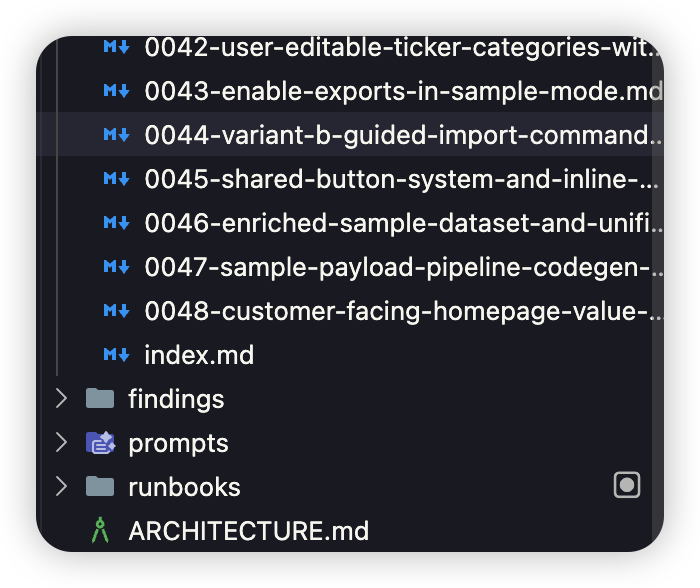
The ADR covers high-level design, context, and the why. The execution plan covers the how — which files to change. The execution plan links back to the ADR. Both live inside the codebase as code.
I also created an index.md — a lightweight index so the agent can find the right ADR without scanning through all of them. As ADRs accumulate, they work as a knowledge base — and new ADRs automatically start referencing old ones when the skill is called.
Then the building phase.
I created another skill: build-and-ship. It runs:
- Create a worktree and make sure it’s bootable
- Read the execution plan
- Implement the plan
- Lint / unit test / build
- Bootstrap a dev server (random port) and run smoke tests (Playwright)
- Use
agent browserorPlaywright CLIto visually verify. Save screenshots and recordings. - If everything passes, merge back to main. If anything fails, fix it.
My whole workflow: open 4 terminals, run decision-plan in parallel to generate ADRs and execution plans, clear context when done. Then kick off /build-and-ship ADR-0012. And it works. 48 ADRs later, still going.
I also tried a simple Ralph loop — combining 4 ADRs into a PRD and letting it run autonomously. The loop itself ran fine, but the task splitting wasn’t ideal. Some validation points got missed, and bugs piled up.
I think the ADR/workflow structure isn’t far from supporting a fully autonomous solution. Just not quite there yet.
So what did I actually build with all this? InvestBuddy — import your broker data, track performance, export for tax. Everything stays in the browser.
What did I learn?
1. Good requirements + clear validation points are the best resource you can give an agent.
2. I’m no longer deep in the code details. I’m more like a PM.
I felt like I’d lost control at first. But I got used to it — and I’m actually happier watching things I built work for my own problems.
3. Simple is still better than complex.
The ADR system probably won’t scale to hundreds of ADRs — context limits will bite, agent memory will decay. But it works for this project, and that’s enough.
Build it simple. Make it work. When it breaks, fix it.